What do you get ?
Experience the Power of AI Image Generator
Choose from Various Styles
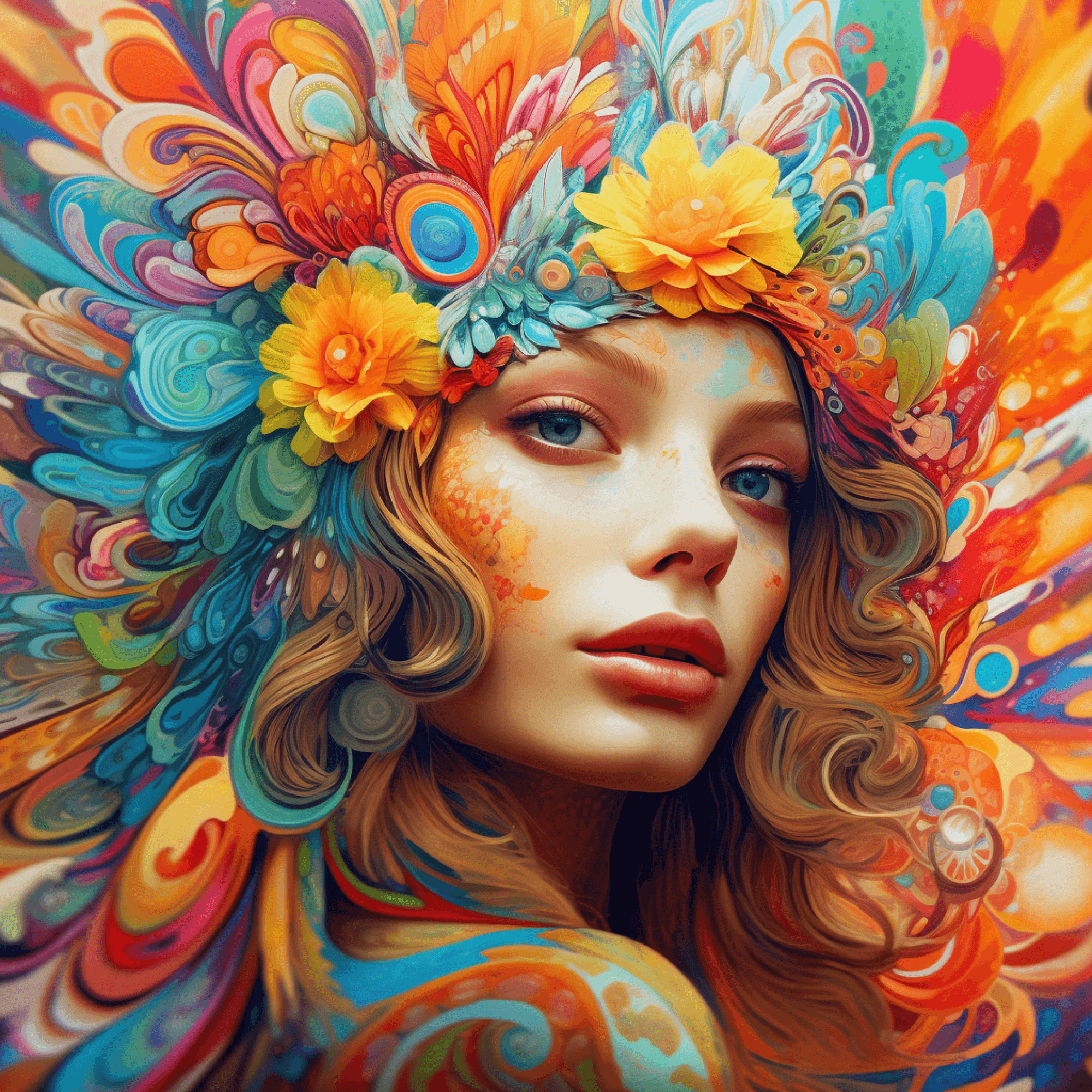
Explore a wide array of artistic styles and themes to apply to your images. Whether you're into classic paintings.
99+
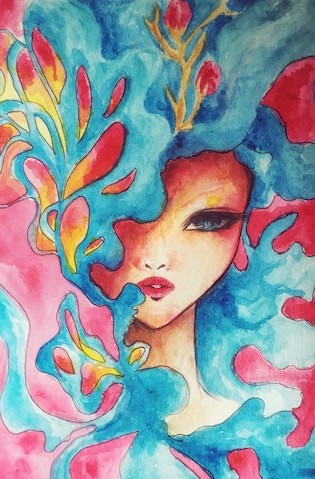
Upload Your Reference Image
Easily upload your own image as a reference for the AI Image Generator. our system will use it as a guide to create something new and unique.
Adjust Parameters for Customization
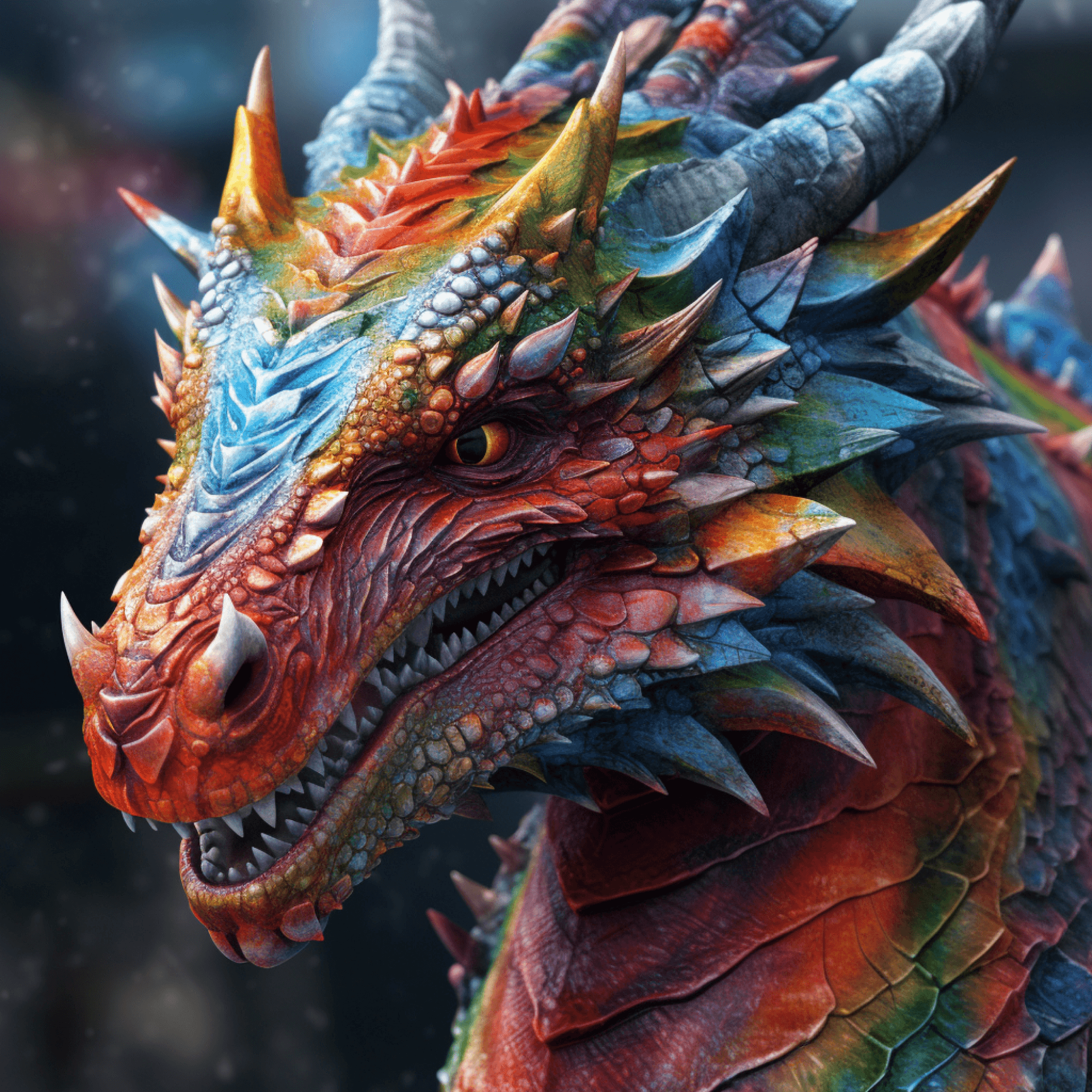
Fine-tune the brightness, contrast, colors, and more with our intuitive parameter adjustment tools.
Save and Share Your Creations
Save it to your device or share it directly with friends and followers on social media. Show off your artistic side with just a click.
How AI Image Generator Works ?
These steps outline the process of using the AI Image Generator,
from choosing a style to saving or sharing the final artwork
1
Choose Your Style
Select Style: Choose from a variety of artistic styles.
2
Upload Your Image or With Command
This could be a photo, a drawing, or any image you have in mind.
3
Customize Parameters
Adjust brightness, contrast, colors, and more
4
Generate Your Artwork
Click Generate: Initiate the AI transformation process.

4 Steps
to generates images
Try it Now
Made with GenMart
Take a look at How AI Image Generator Works

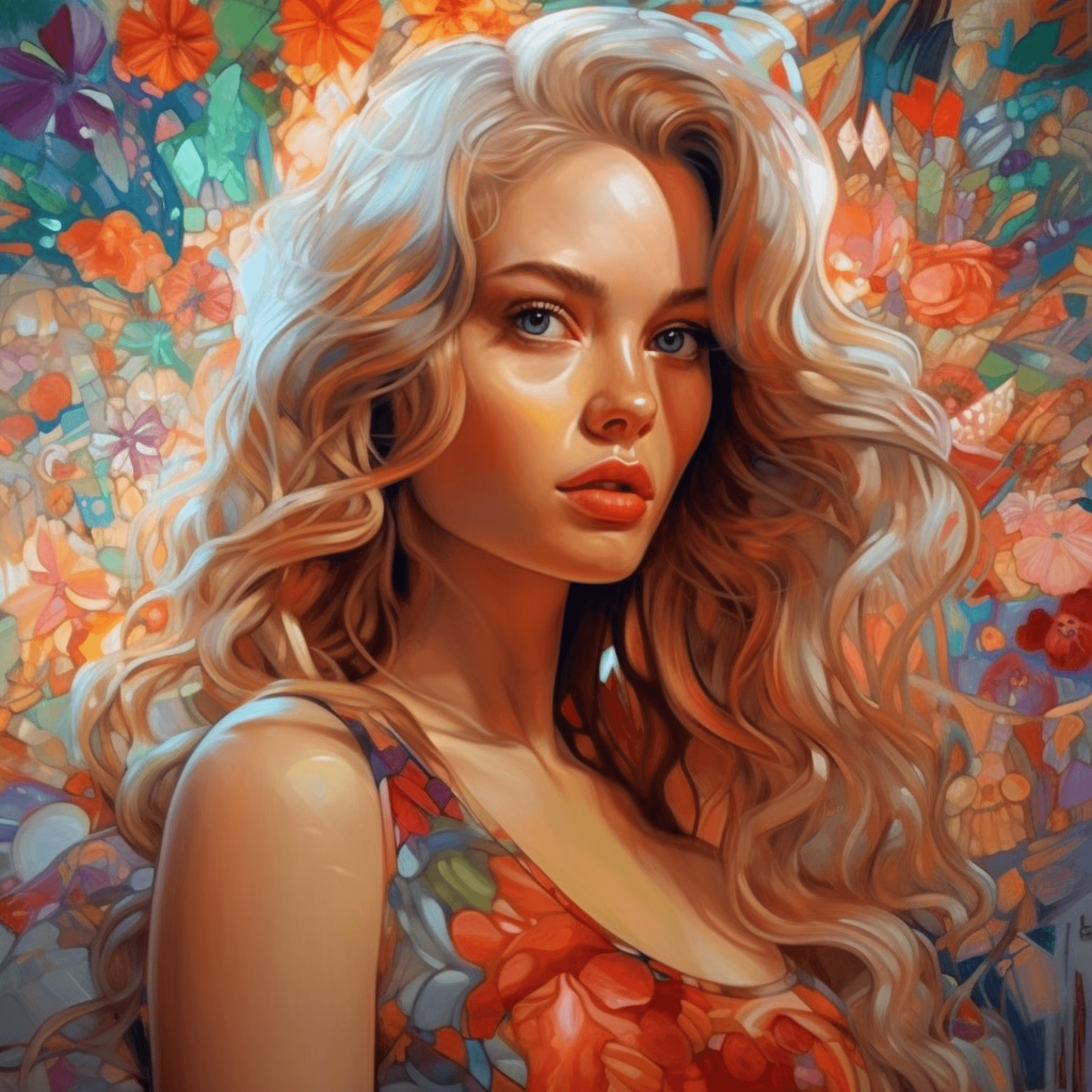
Testimonials from
satisfied users
Take a look at Testimonials from users, This tool has become my go-to for generating unique artwork styles. The results are impressive
Sarah Johnson - Graphic Designer
I'm amazed by the versatility of AI Image Generator! As a graphic designer, I often need quick mockups or inspiration for my projects
Details
David Lee - Photography
Enthusiast
AI Image Generator has taken my photography to the next level. I love experimenting with different styles, and this tool makes it incredibly easy.
Details
Maria Rodriguez - Art Student
As an art student, AI Image Generator has been an invaluable resource for my projects. It's not just about convenience; it's about the endless creative possibilities it offers.
Details
Next
Create Image Manipulations
Only with Command
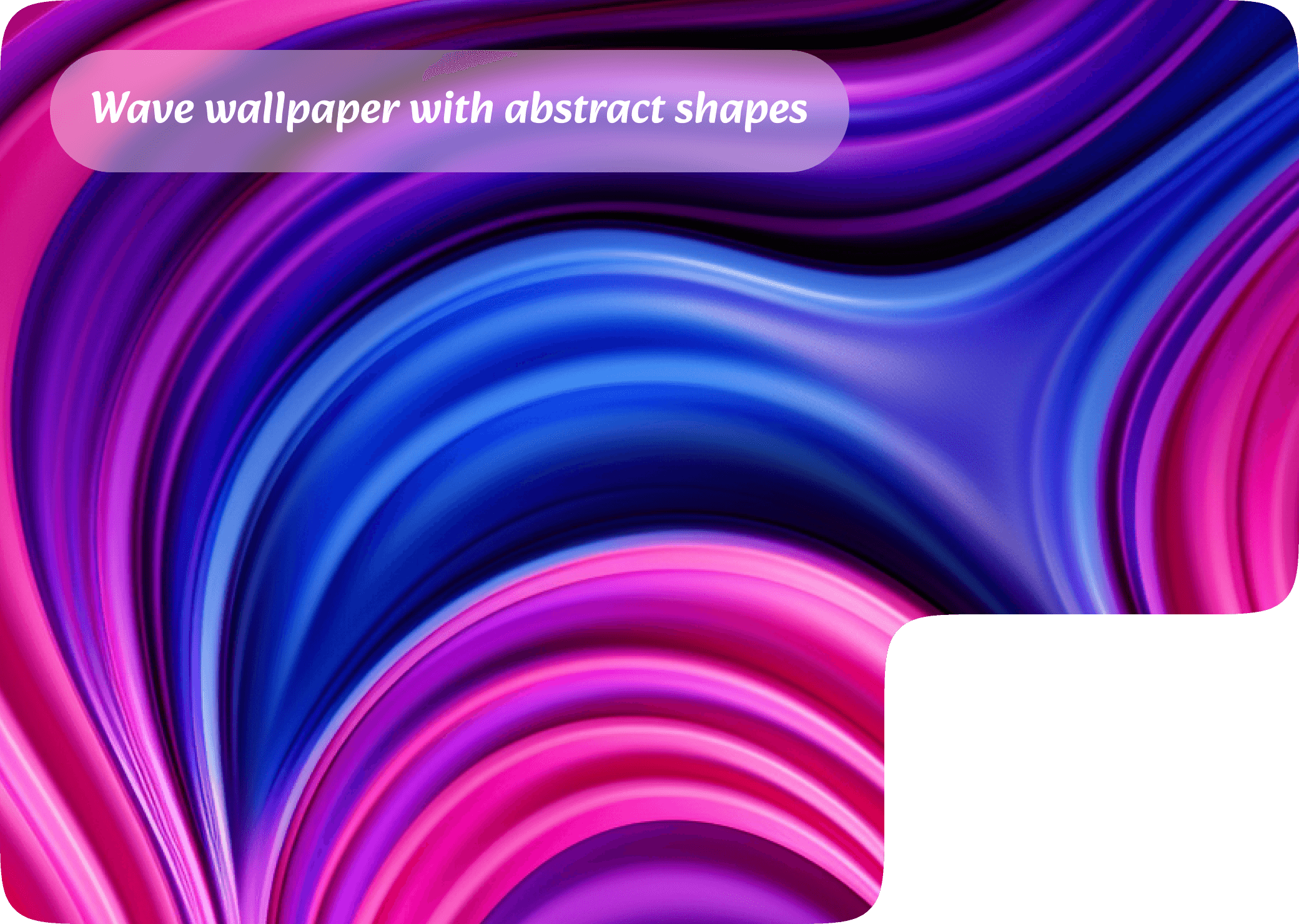
Ex : background abstract with blue color
Generate
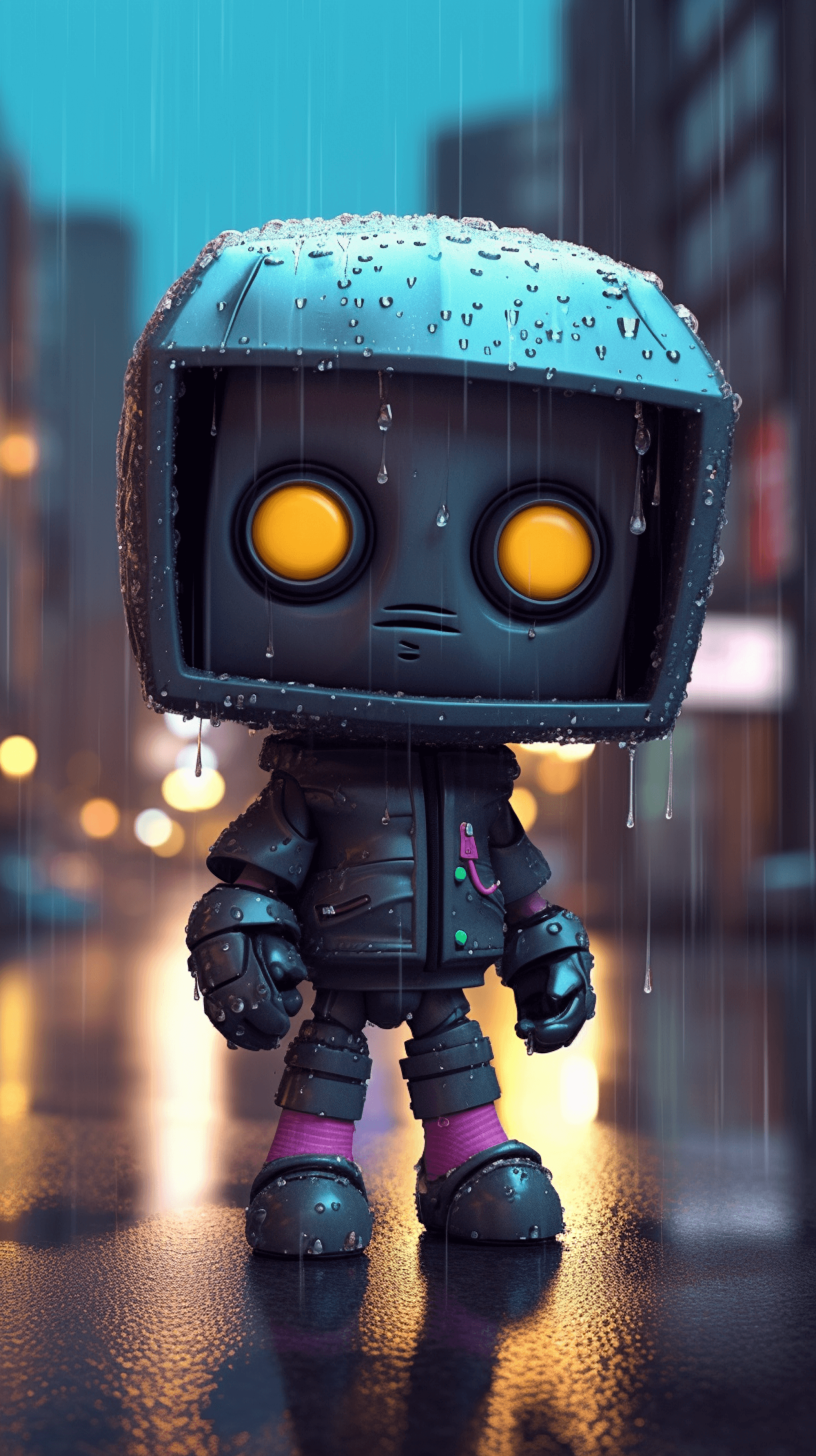
Robot in teh forest
As the morning mist dances through the ancient woodland, a solitary figure emerges amidst the towering trees. "Robot in the Forest" tells the tale of an unlikely encounter between technology and nature.
1.5 M
image generated successfully
Create your Image with GenMart
Contact us to learn about how to, import
options, and the future share support.
GenMart
Create Image Manipulations
Only with Command
Try it Now